Page 1 of 1
Problem with matching to Cycles
Posted: Mon Sep 21, 2020 6:22 pm
by HoppyHopp
Hey,
i have a problem with matching 1 material.
The blue fabric doesent match at all, the rest works fine.
I tryd recalc normals, delte custom normals, createt complete new material slot
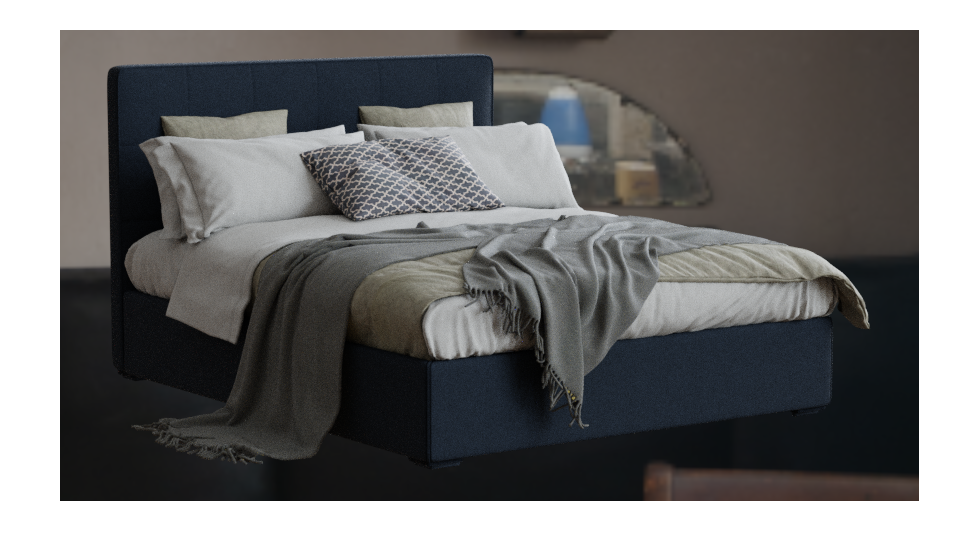
Cycles:
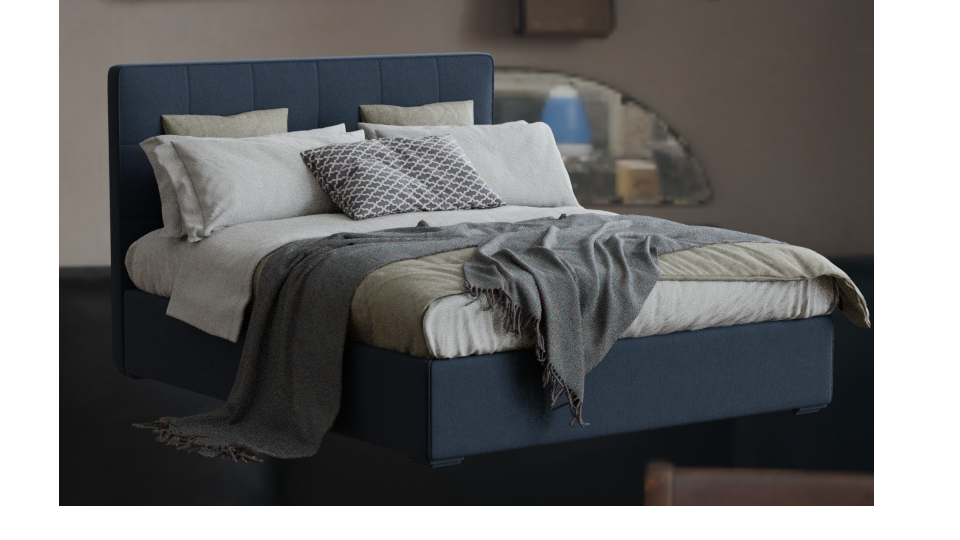
LuxCore
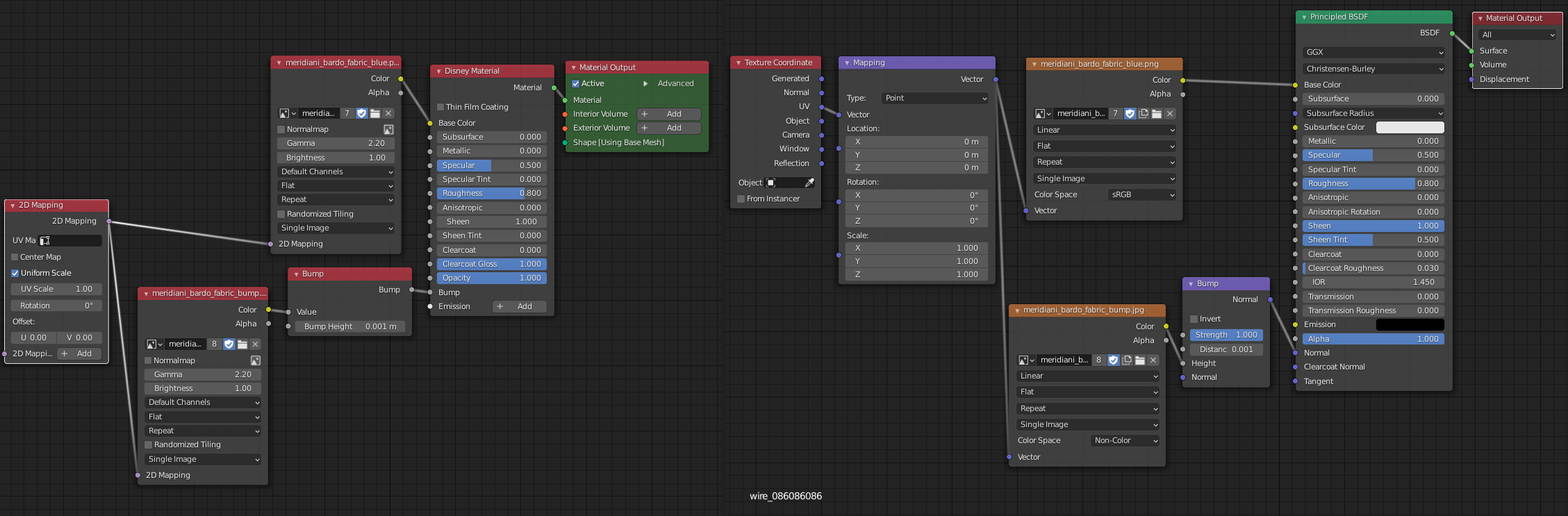
Nodes
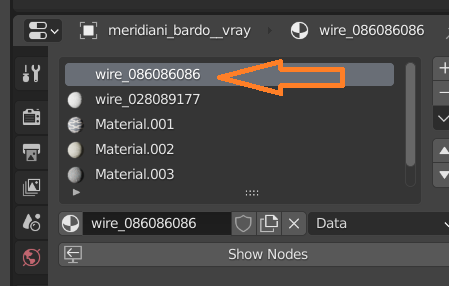
and it is the only material that doesent get a little preview ball
Re: Problem with matching to Cycles
Posted: Mon Sep 21, 2020 6:40 pm
by B.Y.O.B.
Check the disney shader parameters and make sure they are all equal. For example, your Cycles material has sheen tint = 0.5, but your LuxCore material has sheen tint = 0.
Also, in the Cycles material, you have set the bump map to "non-color", but in the LuxCore material you have left the gamma at 2.2
(put gamma = 1 for non-color images).
Re: Problem with matching to Cycles
Posted: Mon Sep 21, 2020 7:05 pm
by HoppyHopp
I tried now even without bump and sheen setting but still the same difference.
I dont get why it is just this one material. I use the disney/principle on alle other materials for this object.
Re: Problem with matching to Cycles
Posted: Mon Sep 21, 2020 8:11 pm
by Sharlybg
HoppyHopp wrote: Mon Sep 21, 2020 7:05 pm
I tried now even without bump and sheen setting but still the same difference.
I dont get why it is just this one material. I use the disney/principle on alle other materials for this object.
Check your normals.
Re: Problem with matching to Cycles
Posted: Mon Sep 21, 2020 8:32 pm
by HoppyHopp
Check your normals.
HoppyHopp wrote: Mon Sep 21, 2020 6:22 pm
I tryd recalc normals,
Re: Problem with matching to Cycles
Posted: Mon Sep 21, 2020 10:17 pm
by Dade
If you post a simple test scene with a cube and the material definition for Lux and Cycles, it may help to spot the difference.
Re: Problem with matching to Cycles
Posted: Sat Sep 26, 2020 8:21 am
by juangea
May be a result of the different principled shader implementation?