Page 1 of 1
LED and Lumen Setting
Posted: Sat Sep 05, 2020 6:30 am
by HoppyHopp
Hey,
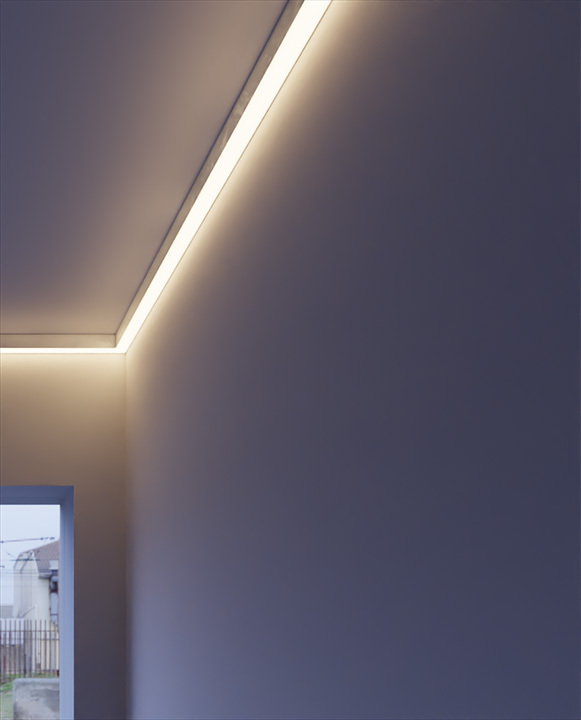
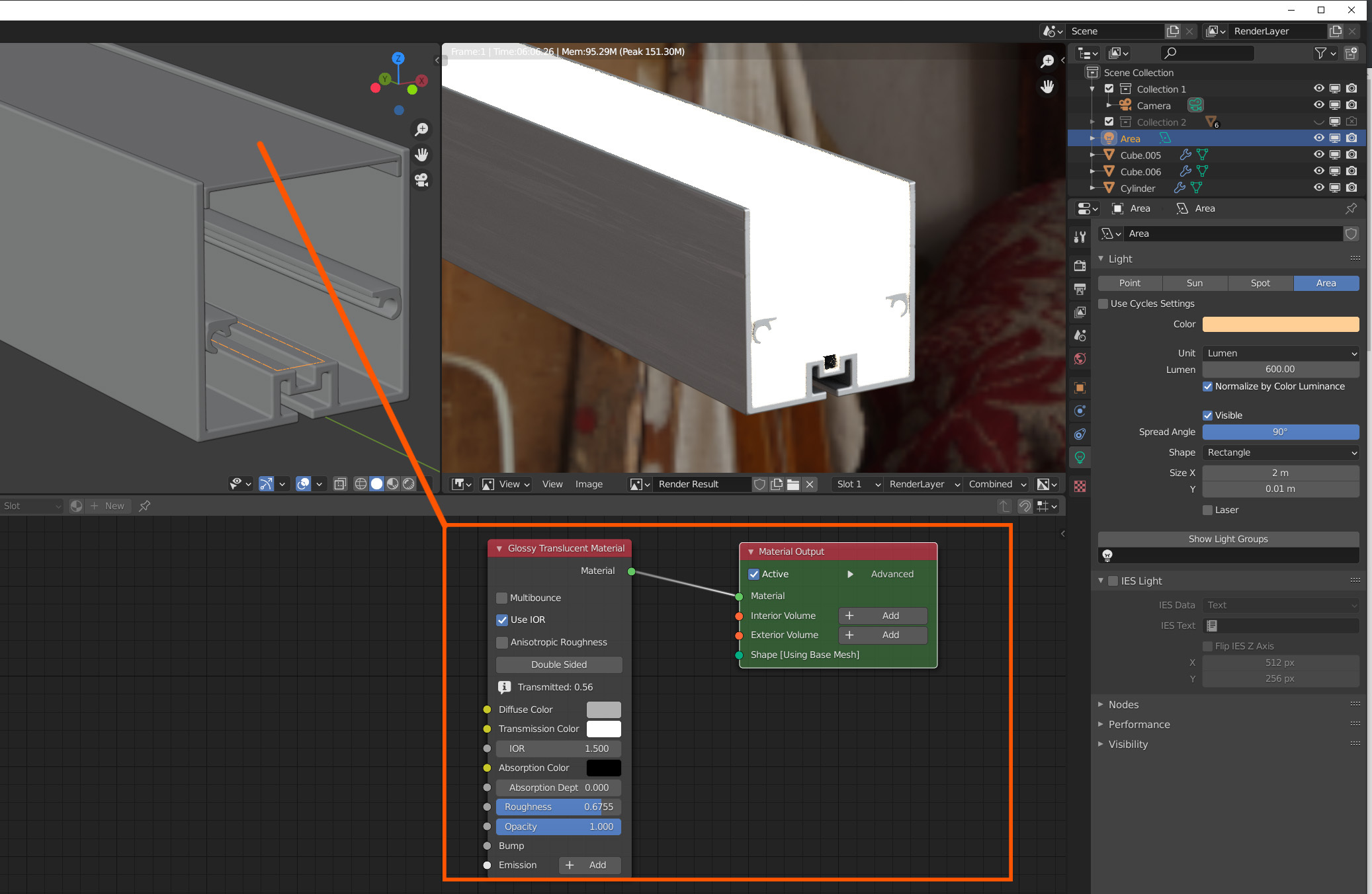
i try to build a LED-Channel. I know that the opal cover transmit about 55-60% of the light and the LED-Stripe has 300 lumen/meter.
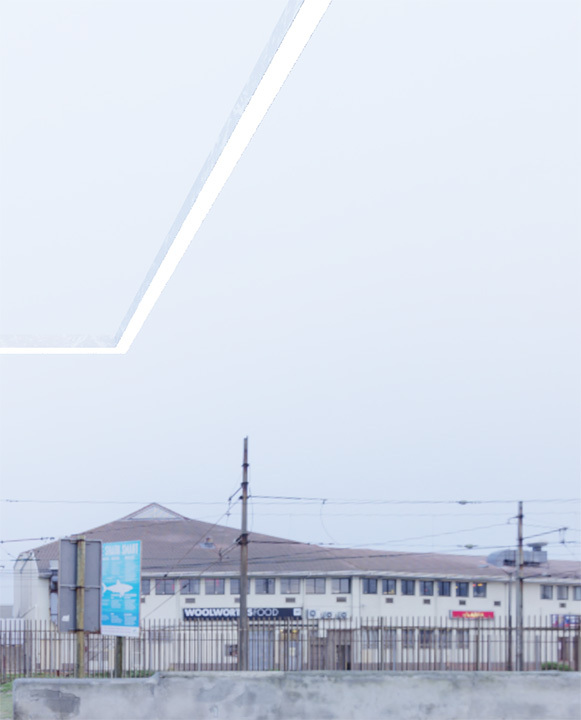
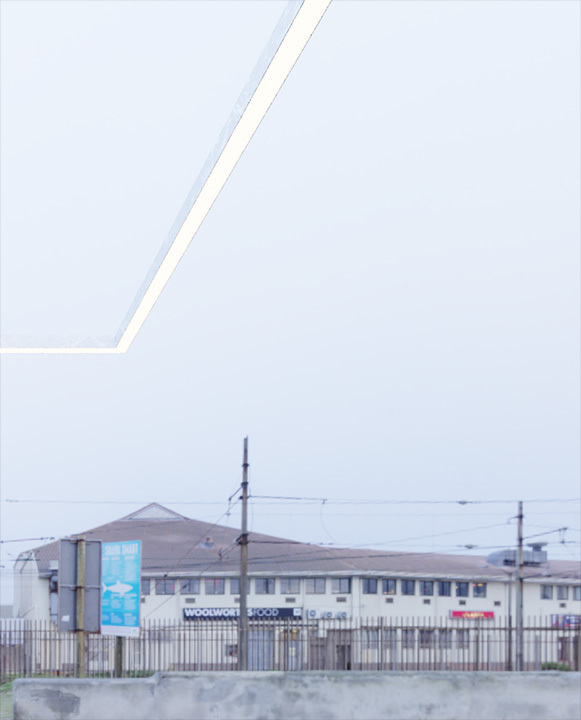
But in the render looks more like a sun.
Did i something wrong?
Re: LED and Lumen Setting
Posted: Sat Sep 05, 2020 7:51 am
by B.Y.O.B.
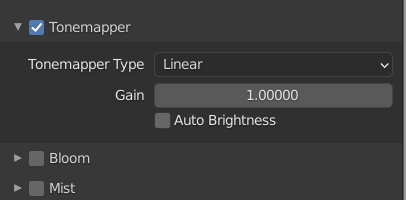
Did you use reasonable tonemapper settings?
Re: LED and Lumen Setting
Posted: Sat Sep 05, 2020 9:10 am
by HoppyHopp
Did you use reasonable tonemapper settings?
I use always the default settings.
Re: LED and Lumen Setting
Posted: Sat Sep 05, 2020 9:39 am
by HoppyHopp
Is there any difference between Gain and Exposure in World->HDRI settings?
Re: LED and Lumen Setting
Posted: Sat Sep 05, 2020 10:07 am
by B.Y.O.B.
If you use real-world light units, you will also need to use real-world tonemapping units.
For a start, you could take a photo of a light source with similar brightness. Then check the ISO, F-Stop and shutter time chosen by the camera, switch the tonemapper to "camera settings", and enter similar values.
About gain and exposure:
final_gain = gain * (2^exposure)
So gain is a linear factor, while exposure is an exponential factor.
Re: LED and Lumen Setting
Posted: Sat Sep 05, 2020 2:19 pm
by HoppyHopp
Re: LED and Lumen Setting
Posted: Sun Sep 06, 2020 8:13 pm
by CodeHD
We had a thread before on this kind of topic:
viewtopic.php?f=4&t=1938&p=24448#p20979
perhaps you find some helpful info there?